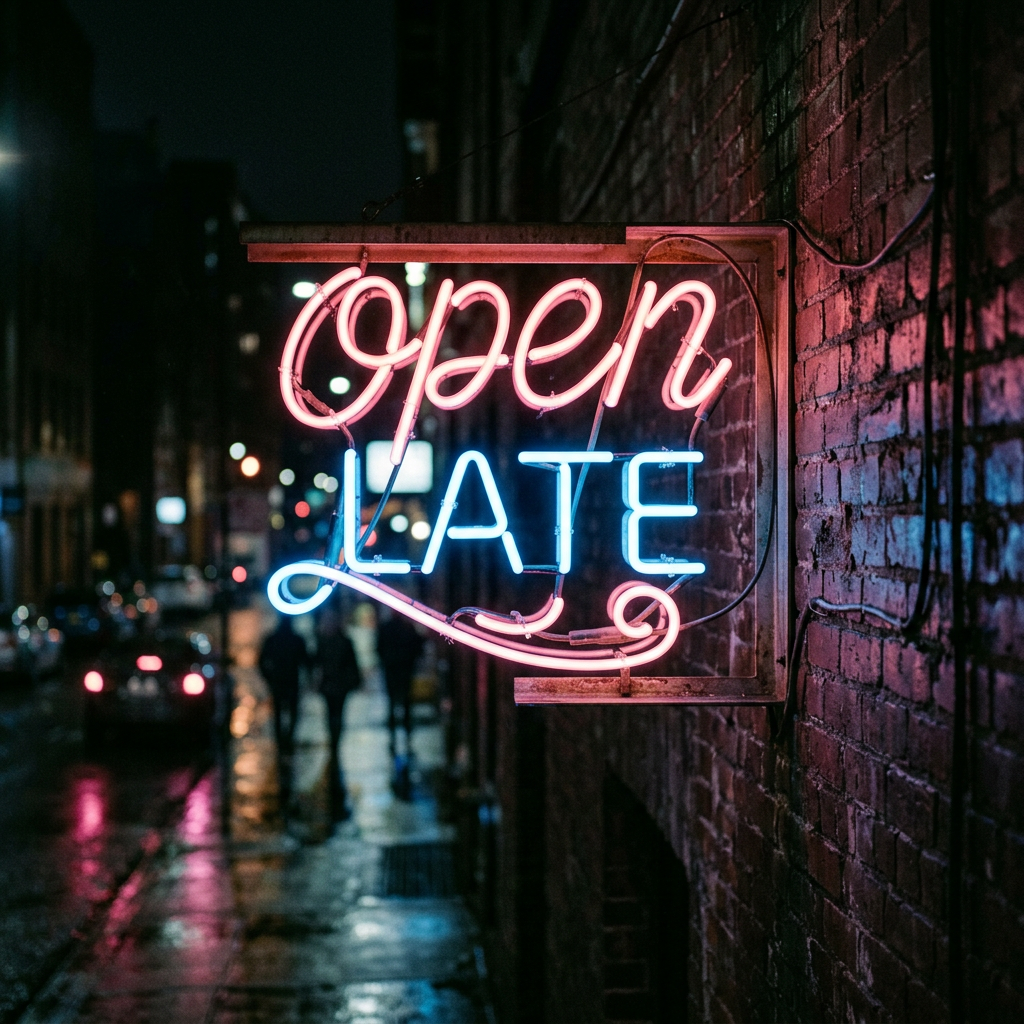
Flux 3 Image Generator
Describe the shot, pick a ratio, get the image in seconds.
Examples
See what a good prompt looks like — then steal it.
Every image below was made with the prompt printed next to it. Copy one, change what you need, and run it.
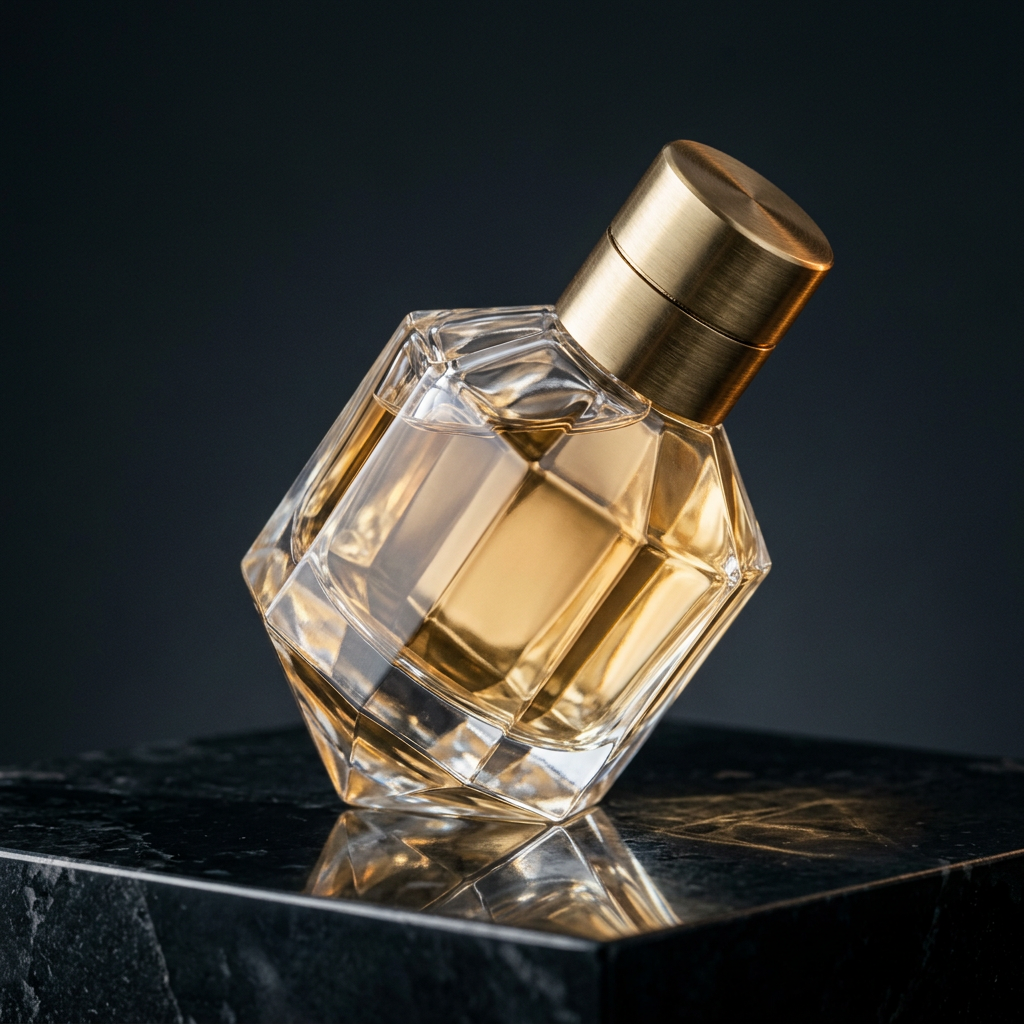
Faceted flacon

Linen and light
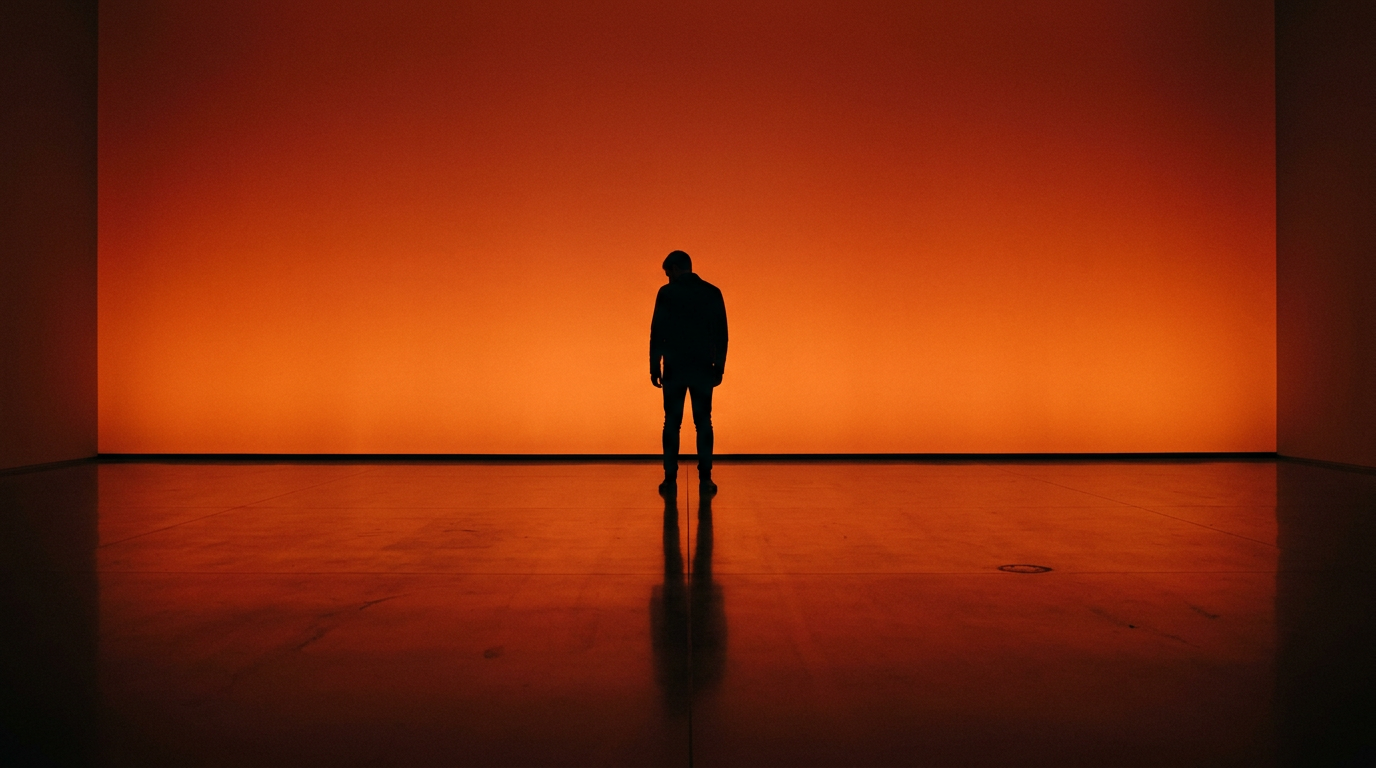
Backlit figure

Rabbit's bakery

Tonkotsu bowl
Why it works
No learning curve. No surprise charges.
No settings to learn. No sliders to guess.
Nothing to configure
New images and edits use the same form. No model picker, no parameter panel, no setup.
Price on the button
10 for a new image, 15 for an edit. You see the exact cost before you click — every time.
Nothing to install
Open the site and start generating. No downloads, no extensions, no local setup.
What people make here
What kind of image does your project need?
Product shots
See your product in a scene — lighting, materials, angle — before you book a photographer.
Article & social images
Match the visuals to an article, cover, or social post without starting from scratch every time.
Architecture concepts
Describe the space, the light, the vantage point. Get a spatial image worth presenting.
Portraits
Set the lens, background, wardrobe, and skin tone. Build a portrait look you can repeat.
App & web artwork
Generate images at the exact aspect ratio your layout needs. No cropping, no stretching.
Storyboards
Block out a sequence of frames before committing to final photography or illustration.
How it works
Three steps. Under two minutes.
- 01
Describe what you need
Say what should be in the image. Add lighting, angle, or material details only when they matter to you.
- 02
Pick the shape
Square, portrait, landscape, wide, or tall — pick the one that fits where the image is going.
- 03
Generate
Hit the button, wait about a minute, download. Not right? Adjust and run it again.
Pricing
10 credits per image. What you see is what you pay.
Annual plans save ~17%. Eligible first purchases get a 30-day refund guarantee.
- 400 credits per month
- Up to 40 images
- $2.48 per 100 credits
- 1,500 credits per month
- Up to 150 images
- $1.99 per 100 credits
- 4,600 credits per month
- Up to 460 images
- $1.74 per 100 credits
Straight answers
Credits, rights, and practical use.
What can I create here?
New images from text, or edits based on a reference image you upload.
How many credits does an image use?
10 for a new image, 15 for an edit with a reference.
Can I use the results commercially?
Yes, subject to the Terms of Service, applicable law, the rights in your input material, and any restrictions disclosed for the generation service.
Get one release-status email
Leave your email. We’ll send one concise update when FLUX 3 is available here.
Ready?